Keep your jobs and quotes moving
Sign in to your approved account to create and manage jobs, build and revise quotes, configure doors, review pricing, and access your drawing files.
Sign in to manage your quotesOne place for dealers to manage jobs and quotes, and for architects to plan Division 08 openings with Amstel security grilles and shutters.
Sign in to manage your dealer jobs, quotes, door configurations, and drawing files. Planning a project? Configure an opening and generate DWG and PDF drawings, then request a quote when you are ready.
No login needed to configure. Enter your name, company, and email to generate drawings.
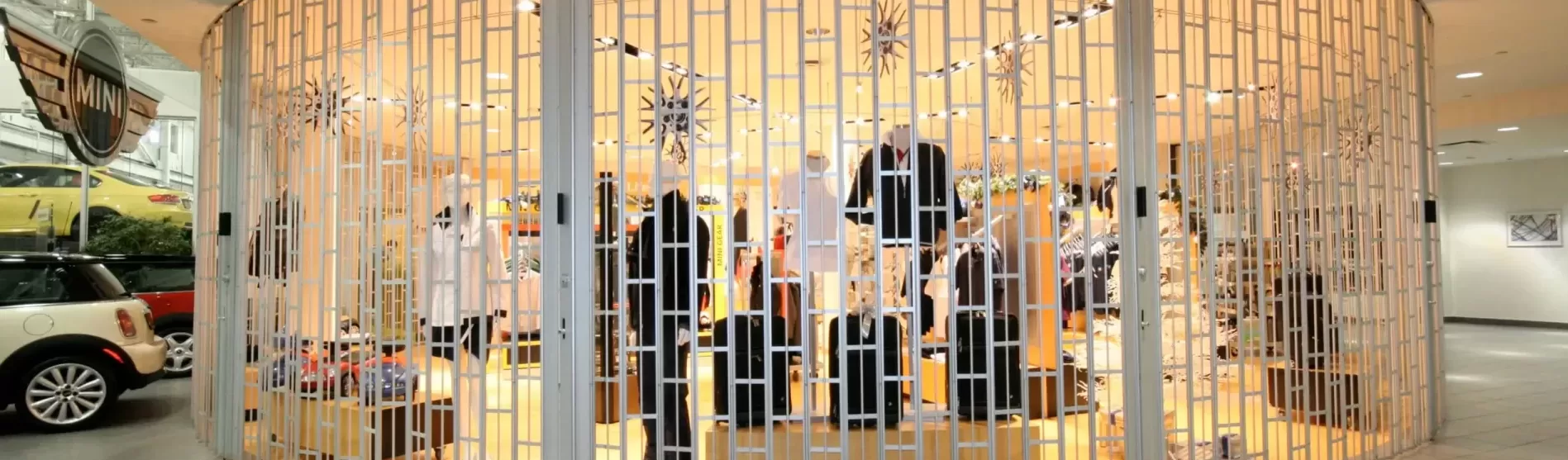
Sign in to your approved account to create and manage jobs, build and revise quotes, configure doors, review pricing, and access your drawing files.
Sign in to manage your quotesExplore sliding grilles, rolling grilles, and shutters. Configure your opening, download a tailored Word or PDF specification naming Amstel as the basis of design, and generate DWG and PDF drawings without an account.
Start a door configurationCoordinate security closures with your door schedule and project specifications. Amstel's published guide specifications group these products under the following Division 08 sections.
Side-folding grilles for retail storefronts and commercial openings. Configure dimensions, track layout, stacking, finishes, and locking posts.
View Amstel folding grille specification (PDF)Rolling security grilles and shutters for commercial openings. Configure dimensions, curtain design, mounting, operation, and finish options.
View Amstel rolling grille specification (PDF)Section numbers follow Amstel's published specifications. Configure your door to get an editable Word, PDF or copyable text specification with your selected product, finish, hardware and duty rating.
Select a sliding grille, rolling grille, or shutter, then enter dimensions and compatible product options.
Provide your contact details to download your configured specification in Word, PDF or text, and generate DWG and PDF drawings for design coordination.
Send your saved configuration and project notes to Amstel when you are ready for a quote.
Review product details and manufacturer resources alongside your configured drawings.
Sign in with your approved account to open your workspace, create and manage jobs, configure doors, review pricing, revise quotes, and access drawing files.
Amstel's folding grille specifications use Division 08, Section 08 35 00. Its overhead coiling grille and door specifications use Division 08, Section 08 33 00. The specification links above provide the manufacturer documents.
Yes. Configure a door without signing in. Your name, company, email, and agreement to the contact notice are required before generating DWG and PDF drawings.
The configurator generates DWG files for CAD workflows and PDF drawings for project review and coordination.
Yes. After configuring your door and providing your contact details, download an editable Word or PDF specification, or copy the text into your project documents. It names Amstel as the basis of design and includes your selected product, dimensions, finishes, hardware and cycle rating, including ultra high cycle configurations.
Use Request a quote after saving your configuration. Your enquiry includes the configured door and your project notes so Amstel can prepare a project quote.
Configure an Amstel security grille or shutter and generate drawings for your project.